30 Etsy Canva Mockups: A Practical Guide to Choosing the Right Product Presentation Templates
When you sell on Etsy, the way you present your products can make or break a sale. Shoppers scroll quickly, and they judge by what they see first. That is why mockups have become an essential tool for Etsy sellers who want to show their designs in a realistic, appealing context. Among the many options available, a bundle of 30 Etsy Canva Mockups has gained attention as a convenient and budget-friendly solution. But is it the right fit for your shop? Understanding what these mockup sets offer, how they compare to other approaches, and where their strengths and limitations lie will help you decide with confidence.
What a 30 Etsy Canva Mockup Bundle Typically Includes
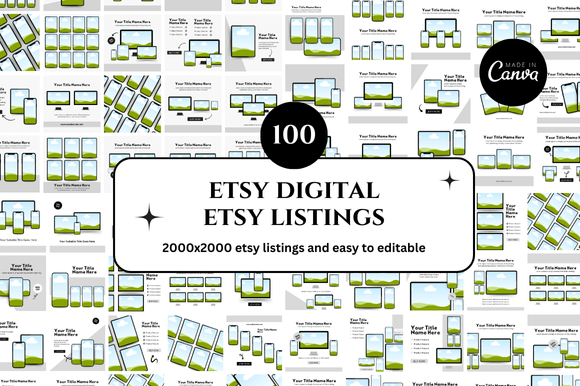
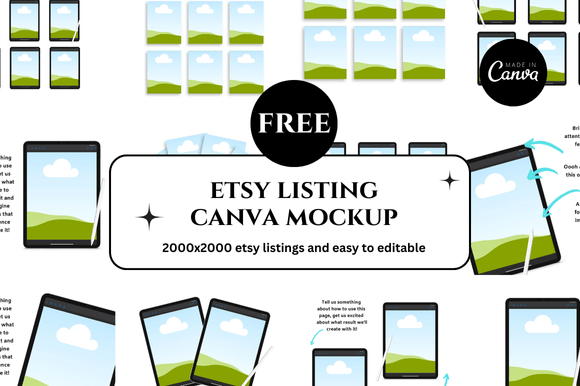
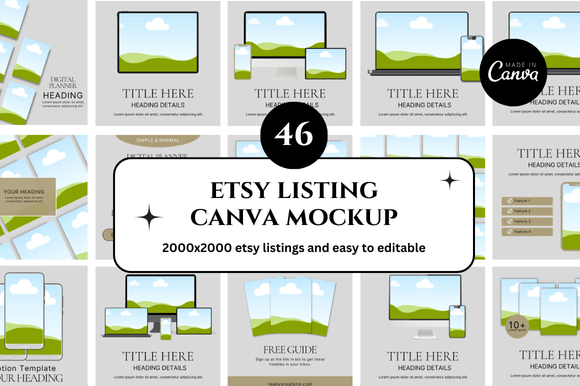
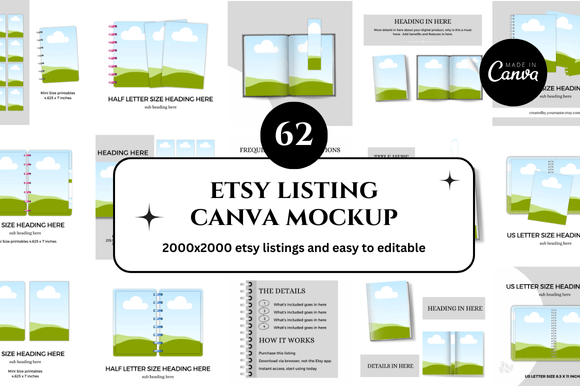
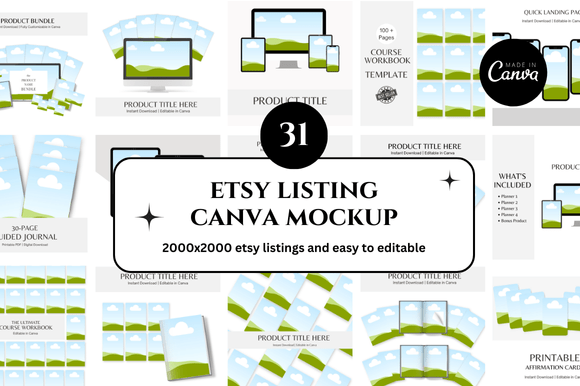
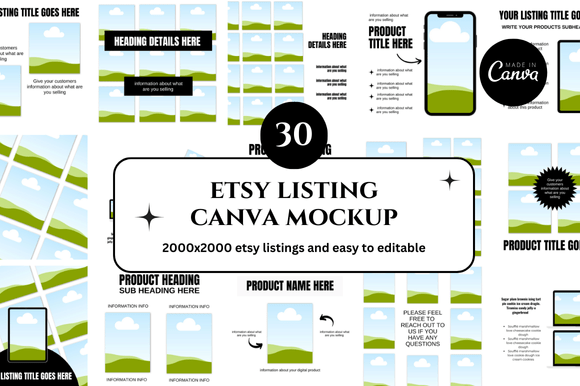
A 30 Etsy Canva Mockup bundle is exactly what it sounds like: a collection of thirty editable mockup templates designed specifically for use within Canva. These templates are typically created for common Etsy product categories such as digital prints, wall art, stickers, apparel, mugs, tote bags, and stationery. Each mockup is pre-built with realistic backgrounds, props, and lighting, and you can insert your own design by simply swapping out a placeholder image in Canva.
What makes these bundles distinct is their focus on ease of use. You do not need any experience with Photoshop, Illustrator, or professional photography. The templates are fully contained within Canva’s browser-based editor, which means you can edit them on almost any device. The bundle nature also gives you variety: different angles, settings, and product contexts all in one download. This can save hours of time if you have multiple listings to create or update.
How These Mockups Compare with Other Product Presentation Options
To evaluate whether a 30 Etsy Canva Mockup bundle is right for you, it helps to see how it stacks up against the main alternatives: custom product photography, premium Photoshop mockup files, and creating scenes from scratch.
Custom Photography: Realism at a Higher Cost
Custom product photography involves photographing your actual printed or manufactured items in a styled setting. The result is uniquely yours and offers the highest level of authenticity. If you sell handmade physical goods, there is often no substitute for showing the real object. However, custom photography requires time, equipment, styling skills, and often a budget for props or a photographer. For sellers who produce digital downloads or print-on-demand items, photographing every variation is rarely practical. In that context, a 30 Etsy Canva Mockup bundle offers a realistic middle ground, giving you convincing product images without the overhead of a photoshoot. The tradeoff is that your images may look similar to other sellers who use the same mockup bundle, especially if the style is distinctive.
Premium Photoshop Mockups: More Control, Steeper Learning Curve
High-end Photoshop mockup files, often sold on platforms like Creative Market or Envato Elements, offer advanced capabilities. You can change lighting, adjust shadows, apply smart objects, and achieve near-photographic quality. If you need complete control over every pixel and plan to sell across multiple channels, these files are powerful. But they require access to Adobe Photoshop and the skill to use it. Many Etsy sellers find the learning curve frustrating. A 30 Etsy Canva Mockup bundle strips away that complexity. You trade some control for speed and accessibility. If your design style is straightforward and you do not need ultra-premium visuals, the Canva-based approach often delivers results that are perfectly adequate for conversion.
Creating Scenes from Scratch: Flexible but Time-Intensive
Some sellers build their own product scenes using mockup generators or by combining background images with product overlays. This approach gives you endless creative freedom but demands significant time for each listing. When you have a shop with dozens or hundreds of products, that approach quickly becomes unsustainable. A 30 Etsy Canva Mockup bundle provides a library of ready-made scenes. You still have the flexibility to resize, crop, and add text overlays in Canva, but the heavy lifting of scene composition is already done. The limitation is that you are working within the aesthetic of the bundle designer. If your brand has a very specific look, you may find the templates too generic.
Strengths of Using a 30 Etsy Canva Mockup Bundle
Several practical advantages make these bundles appealing, especially for new or growing Etsy shops.
- Low barrier to entry. No software installation, no complex tutorials, no expensive tools. If you can use Canva for basic design, you can use these mockups immediately.
- Consistency across listings. Using templates from the same bundle ensures that your shop has a cohesive visual style. Customers see a unified brand feel, which builds trust.
- Time efficiency. Swapping a design into a mockup takes minutes. Listing a product variation becomes a fast workflow rather than a creative project.
- Cost-effectiveness. Compared to hiring a photographer or buying individual premium mockups, a bundle of thirty templates offers strong value per scene.
- Variety for different product types. A good bundle covers multiple categories, so you can use it across your entire shop without needing separate resources for each item.
For sellers who are just starting out or who sell digital products where the actual item is untouchable, these advantages are hard to ignore. The ability to create a professional-looking listing image in a few clicks can accelerate your shop launch significantly.
Tradeoffs and Limitations to Consider
No tool is perfect for every situation, and a 30 Etsy Canva Mockup bundle comes with its own set of limitations that you should weigh carefully.
Potential for Repetitive Visuals
Because these bundles are sold to many sellers, there is a chance that a customer has seen the same mockup style in another shop. This can reduce the distinctiveness of your brand. To mitigate this, look for bundles that allow customization of background colors, props, or lighting within Canva. Even small changes can make a scene feel more unique to your shop.
Canva's Editing Constraints
Canva, while excellent for simplicity, does not offer the fine-grained control of Photoshop. You cannot adjust shadow direction, change perspective, or manipulate lighting in detail. The mockup is essentially a smart template where you place your design into a frame. If you need to show your product from an unusual angle or in a very specific environment, you may hit a creative ceiling.
Licensing and Usage Rights
Always check the license that comes with your 30 Etsy Canva Mockup bundle. Some bundles are licensed for personal use only, while others allow commercial use for selling products. Some may restrict use on certain platforms or require attribution. A bundle with a clear, broad commercial license gives you peace of mind and protects your shop from potential issues down the road.
Quality Variation Between Bundles
Not all mockup bundles are created equal. Some feature well-designed scenes with realistic lighting and high-resolution images, while others look amateurish. Before purchasing, look for previews that show multiple angles and product types. Read reviews from other Etsy sellers. A low-quality bundle can hurt your shop's credibility even if the design itself is strong.
When a 30 Etsy Canva Mockup Bundle Is the Right Choice
Given these strengths and tradeoffs, you can map your situation to the approach that fits best. A 30 Etsy Canva Mockup bundle tends to work well when:
- You sell digital products such as printable wall art, planners, or greeting cards where the customer needs to see the design in a realistic room setting.
- You run a print-on-demand shop and need to show the same design on multiple products like t-shirts, mugs, and tote bags.
- You are in the early stages of building your shop and need listing images quickly without a large upfront investment.
- Your brand aesthetic is clean and modern, and you do not require highly stylized or ultra-unique imagery.
- You value speed and volume over meticulous artistic control.
In these scenarios, the bundle provides a practical foundation that lets you focus on design and customer service rather than production logistics.
When You Might Need a Different Approach
On the other hand, there are clear situations where a mockup bundle may not serve you well. Consider exploring other options if:
- Your products are one-of-a-kind handmade items that benefit from showing real textures, imperfections, and material qualities. Here, custom photography adds authenticity that no template can replicate.
- You sell to an audience that expects highly polished, editorial-style visuals. High-end buyers may respond better to unique compositions that feel bespoke.
- You have a very specific brand identity with defined colors, props, and lighting styles that are not represented in the bundle. In this case, building your own scenes or using advanced mockup tools gives you full alignment.
- You need to scale beyond thirty product variations and find yourself reusing the same scenes repeatedly, which can make your shop look stale.
Recognizing these boundaries helps you avoid forcing a convenient solution into a situation where it underperforms.
Decision Factors to Guide Your Choice
To make a more informed decision, consider these practical factors when evaluating a 30 Etsy Canva Mockup bundle:
- Number of products you list. If you plan to list fewer than thirty items, a bundle offers more scenes than you may need. If you list hundreds, you will likely need to supplement with additional scenes or rotate backgrounds.
- Editing skill level. If you or someone on your team is comfortable with Photoshop, premium files may offer a better return on time. If Canva is your comfort zone, the bundle aligns with your workflow.
- Budget for listing creation. High-end mockups or custom shoots cost more upfront. A Canva mockup bundle gives you professional results at a fraction of the price.
- Brand distinctiveness. If you differentiate your shop mainly through product quality and customer experience, consistent mockups may be fine. If your brand depends on a distinctive visual identity, invest in custom imagery.
- Long-term maintenance. Consider how often you will update listings. A bundle that is easy to reuse and modify saves you time every time you add a product variation.
By weighing these factors against your actual shop situation, you can choose a product presentation approach that supports growth without overcomplicating your workflow.
Practical Examples of Using a 30 Etsy Canva Mockup Bundle
Imagine you design and sell minimalist line art prints for home decor. With a 30 Etsy Canva Mockup bundle, you could take your flat digital file and instantly show it framed in a bright living room, leaning against a wall with a plant beside it, and hanging above a console table. These three scenes would give customers context for how your art looks in real spaces. You could reuse the same scenes for multiple designs simply by swapping the artwork, maintaining consistency across your shop.
Now consider a seller who creates custom pet portrait stickers. A mockup bundle might include a scene of stickers on a laptop, another on a water bottle, and a third on a planner. Those scenes quickly show the product's versatility. However, if the seller wants to convey the texture of the sticker paper or the exact color reproduction, a mockup may not capture that detail. In that case, combining the mockup with a single real photo of the sticker on a notebook gives the shopper both context and authenticity.
These examples illustrate how a bundle can be a core part of your workflow, but you can also mix and match with other formats to get the best of both worlds.
Making the Choice That Serves Your Shop Best
Choosing a product presentation method is ultimately about matching your tools to your goals. A 30 Etsy Canva Mockup bundle offers a compelling combination of affordability, ease, and variety. It lowers the barrier to professional-looking images, especially for sellers who are not photographers or graphic designers. Yet it is not a universal solution. The key is to understand where it fits naturally and where its limitations call for a different approach.
If you are currently spending too much time on listing images or feeling stuck because your current mockup tool feels too complex, a well-chosen Canva mockup bundle may be exactly what you need to streamline your process and present your products with confidence. By honestly assessing your product type, your brand goals, and your workflow preferences, you can decide whether this option aligns with your shop's needs or whether another path would serve you better.